

 česky
česky
 Slovensky
 Deutsch
 español
 italiano


How to Choose Children’s GPS Watches
Children’s GPS watches can be a great help for parents — but only if they make sense for the specific situation. It’s not just about “buying a watch with GPS”, but choosing a device that matches the child’s age, lifestyle and what you realistically expect from it.
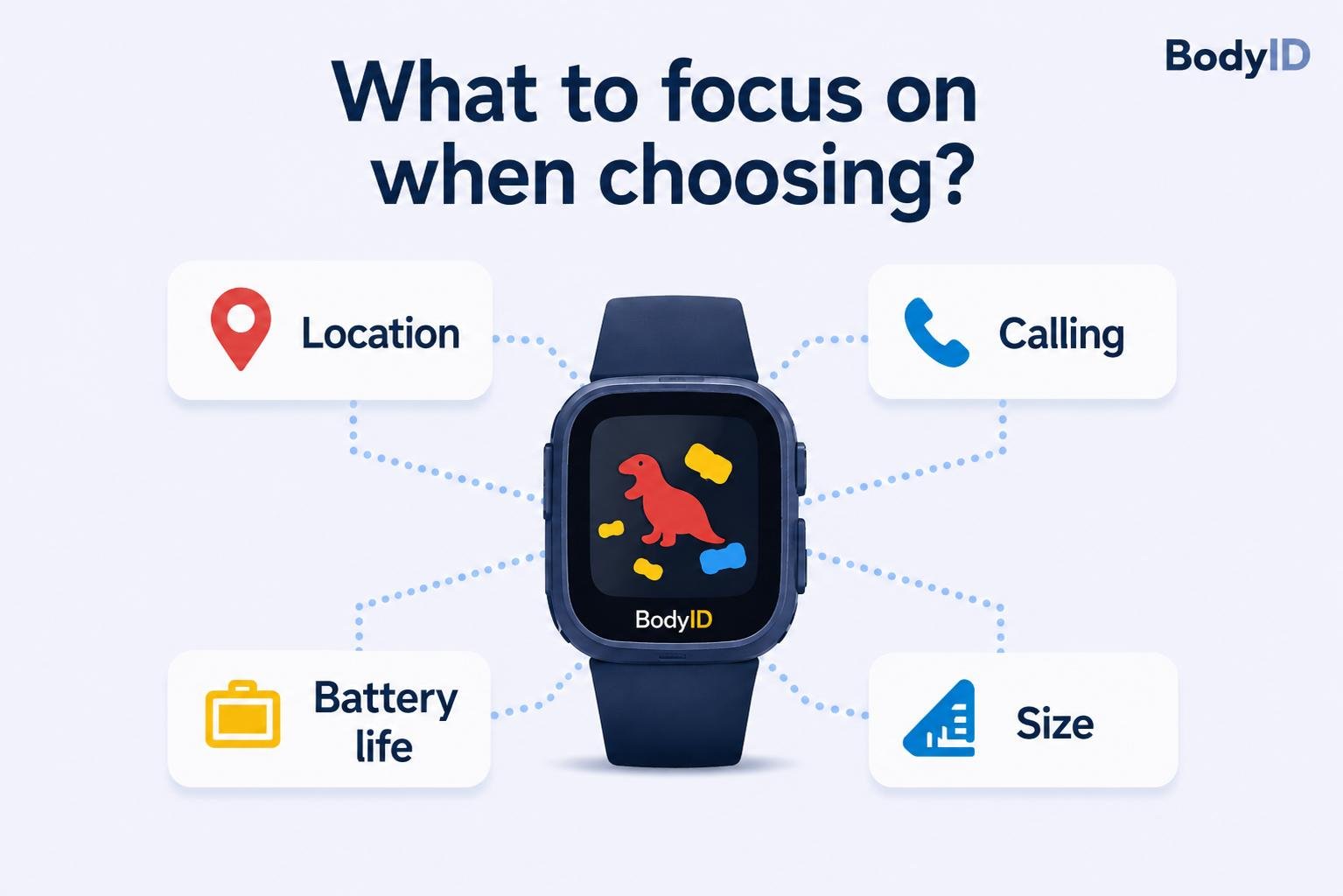
In this article, we explain what to focus on when choosing children’s GPS watches, what you should realistically expect from them (and what you shouldn’t), and how to understand the basic features.
A practical guide to choosing children’s GPS watches
Who are children’s GPS watches suitable for?
Not every child needs a GPS watch. They make the most sense when:
- a child starts walking to school alone
- they spend time outdoors without parents (playgrounds, friends)
- they have clubs or an irregular daily routine
- they often stay with grandparents
- you do not want to give them a mobile phone yet
- you need additional supervision for health-related reasons (health conditions, ADHD, etc.)
In these situations, the watch works as a simple communication and safety tool - not as a full replacement for a smartphone.
What to realistically expect from GPS watches (and what not to)
This topic needs to be explained properly not only for our devices, but for all devices of similar size. One of the most common mistakes is expecting the watch to show the location “accurately to the metre every second”. Just like with mobile phones, GPS does not work perfectly inside buildings, so other positioning methods are also used. In addition, watch antennas are smaller than those in smartphones, which often affects location accuracy.
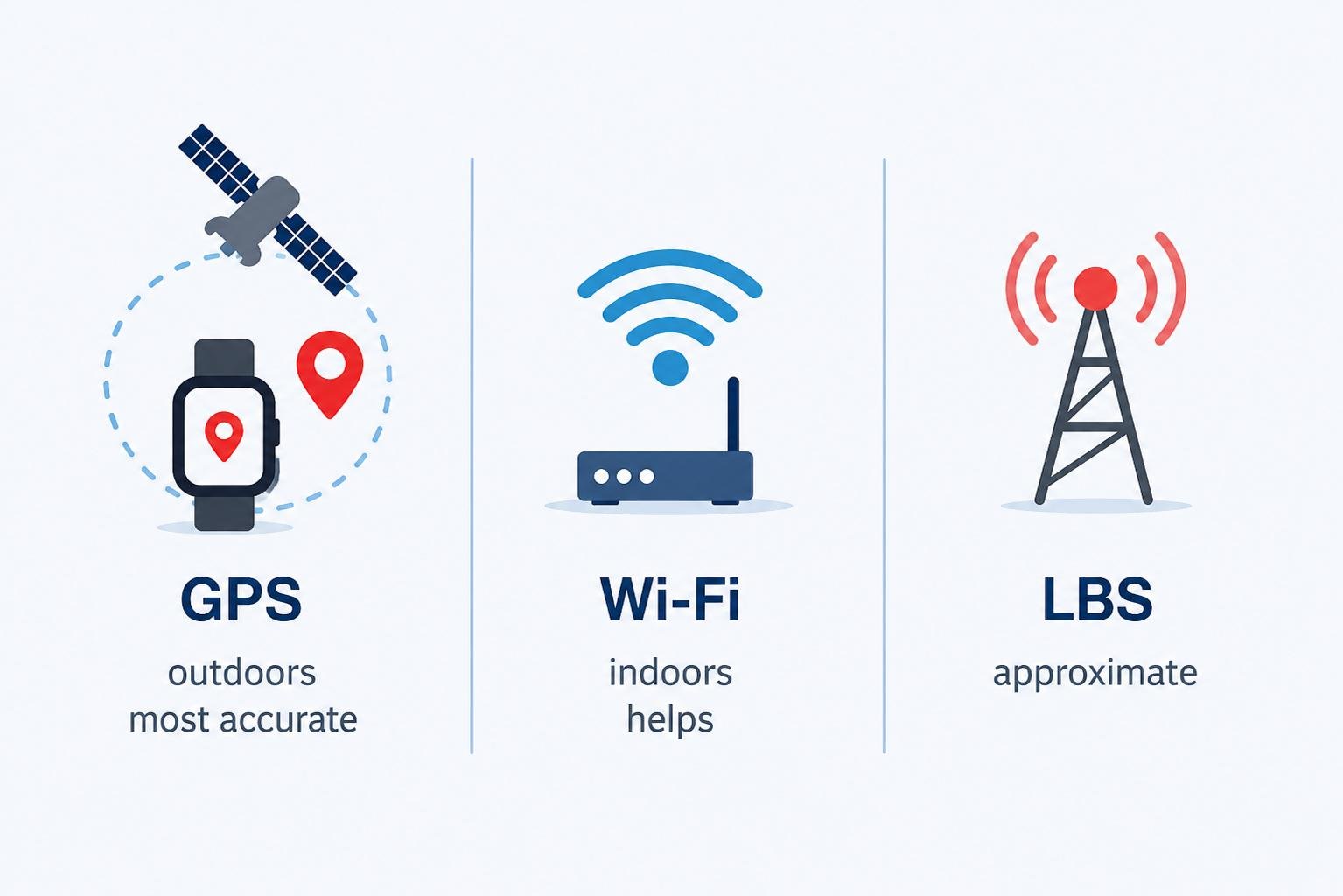
Children’s GPS watches usually combine these positioning methods in the following order:
GPS
(priority outdoors — usually the most accurate outdoors)
Accuracy up to approximately 5 metres.
Wi-Fi
Accuracy within tens of metres
(helps indoors and outdoors when GPS signal is weak; not available with some other manufacturers)
LBS
Accuracy from tens of metres up to kilometres
(helps indoors and outdoors when GPS and Wi-Fi are unavailable)
This is approximate positioning based on the mobile network and nearby cell towers.
This means:
- outdoors in open areas, location is often relatively accurate via GPS
- inside buildings, the position may differ from the real location by tens of metres (similar to your phone)
- sometimes the location may “shift” even if the child is not moving
- sometimes moving just a few metres can reconnect the watch to accurate GPS positioning
We explain this in more detail in the article “How GPS Works in Children’s Watches”.
It is important to treat location tracking as a helpful orientation tool, not as perfectly accurate real-time tracking every second. The same applies to smartphones.
With our BodyID devices, you can always see directly in the app which positioning method is currently being used. Based on that, you can decide whether to call the child, wait for a more accurate location, use remote listening or request a remote photo from the watch.
Key features that actually matter
When choosing a watch, it is usually better to focus on practical features rather than “marketing gimmicks”.
Communication (calling)
Being able to call your child is often more important than the location itself.
With BodyID devices, the BeeSure app allows you to enable “block unknown callers”, meaning only saved contacts (parents, grandparents) can call the watch. This helps prevent unwanted marketing calls or communication from strangers.
Safe zones (geo-fence)
You can set zones (for example school or home) and receive alerts when the child leaves them.
Technically, this feature depends on the chosen location update interval. It should therefore be treated as approximate information, not precise real-time surveillance.
SOS button
One of the most important safety features.
In an emergency, the child can quickly contact parents by holding the SOS button without having to search through contacts.
School mode (limiting use during lessons)
Especially important if the child wears the watch to school.
- limits use during lessons
- prevents distractions
- helps make the watch more acceptable for schools and teachers
We cover this topic in more detail in the article “Smart Watches at School: Yes or No?”.
SIM card and connection (what not to forget)
Children’s GPS watches work as standalone devices and require a SIM card with mobile data.
Without data:
- location will not update
- notifications will not work
- the device may appear offline
The good news is that for normal use, a small data plan of around 50–100 MB is usually enough (unless the watch is frequently used for WhatsAppcalls or similar communication apps).
Battery life
Battery life depends on several factors.
- more frequent location updates = higher battery consumption
- weak mobile signal = higher battery usage (similar to smartphones)
- frequent calling, games and other use naturally increase consumption
Tip: You can significantly extend battery life by setting automatic shutdown during the night and automatic startup in the morning. This can save several hours of battery every day.
Choosing according to the child’s age
Generally speaking:
- younger children → simpler controls, fewer features
- older children → more features, more independence
The most important thing is that the child actually wants to wear the watch and can use it comfortably. Children often prefer larger displays because they are easier to use.
For smaller children, smaller and lighter SLIM models may also be more comfortable because they fit narrower wrists better and are easier to wear every day.
When GPS watches may not make sense (yet)
There are situations where it may be better to wait:
- the child still struggles to follow basic rules and tends to “break everything”
- you expect “perfect tracking every second”
Summary
Children’s GPS watches make the most sense as a simple tool for safety and communication. The main benefit is having a general overview and the ability to react quickly if needed.
If you set realistic expectations and choose the watch according to how your child actually lives day to day, it can be a very useful device.
FAQ
Accuracy depends on the environment. Outdoors, GPS is usually the most accurate. Inside buildings, Wi-Fi may help and LBS is used as a backup method, but it is only approximate. The positioning method currently being used is always visible in the BeeSure app map.
Yes. They are standalone devices. They only need an active SIM card and mobile data connection. In practice, it is basically a small mobile phone worn on the wrist.
Yes. Without a SIM card and mobile data, location updates and most functions (notifications, communication) will not work.
Yes. Most watches allow communication only with saved contacts (for example parents or grandparents) using a feature such as “block unknown callers”. This prevents unwanted calls and spam communication.
It depends on the model. More frequent location updates increase battery consumption. Weak mobile signal also increases battery usage. Battery-saving modes can extend battery life. You can also set automatic shutdown at night and startup in the morning to save several hours of battery each day. Expected battery life is listed in the PARAMETERS section for each device.
Yes. Our watches include a school mode feature that limits usage during lessons and helps prevent distractions. Everything is explained in detail HERE.
Check when the location was last updated and whether the watch is online. Manual location refresh may also help. More information about positioning methods and their accuracy can be found HERE.