

 česky
česky
 Slovensky
 Deutsch
 español
 italiano


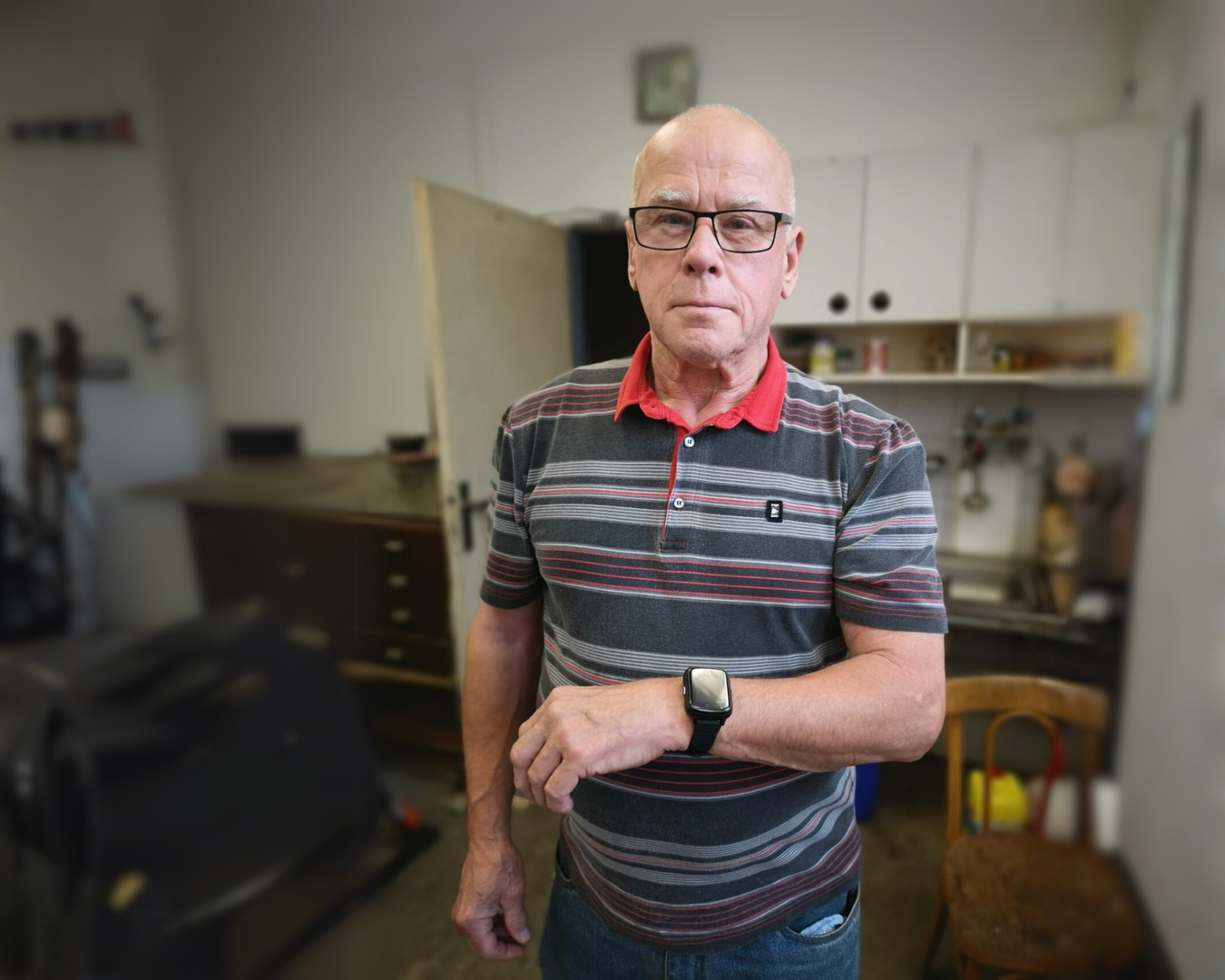
Health SOS Bracelets and Watches for Seniors – Which Features Will You Truly Use?
When it comes to the safety of the people we love, every second matters. At BodyID, we design SOS bracelets and watches so they feel natural for seniors to wear—and so you can feel confident they’re okay. In this article, we’ll walk through the key features, from instant SOS calling and automatic fall detection to location options. You’ll also see how these functions help turn day-to-day worries into real peace of mind.
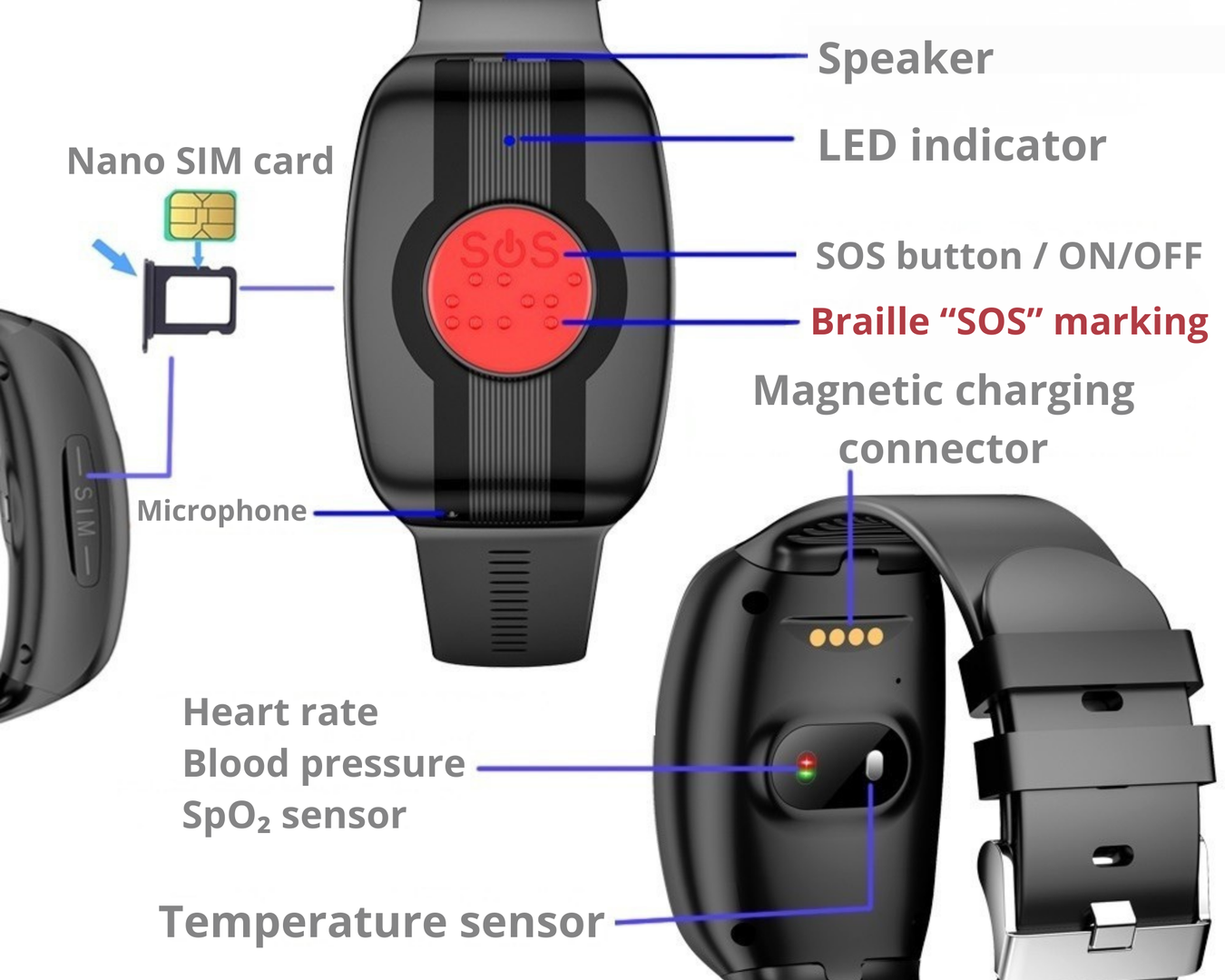
Overview of key features (may vary by device):
SOS calling and fall alerts
The most important function is one SOS button. In an emergency, the wearer simply holds it down and the device immediately starts calling the saved SOS contacts in a set order. As soon as someone answers, the device stops calling the next contacts automatically. For added reassurance, many models also include fall detection—if the device detects a fall, it can evaluate the situation and trigger an SOS call on its own. Fall sensitivity can be adjusted in the app to match your loved one’s activity level.
Voice reminders for medication and other important routines
You know best what your loved one needs to remember. In the app, you can record voice reminders that play at a chosen time. So at 8:00, it isn’t just an anonymous beep—your voice can say: “Mum, don’t forget your morning medication.” This is especially helpful for keeping up with medication schedules and daily routines like lunch or going for a walk.
Automatic answer
Sometimes you can’t reach your loved one by phone, or they may struggle to answer a call. In that case, you can set the device to automatically answer after a few seconds of ringing. That way you can start speaking right away, without them having to press anything. It’s a simple feature, but it can be incredibly reassuring in uncertain moments.
Remote listening (one-way audio check)
Through the app, you can send a request for the SOS bracelet/watch to place a call to a phone number you choose. When you answer that incoming call, you can hear sounds around the device. This is one-way communication: your loved one won’t hear you through the device during this check. It can help you quickly assess what’s going on—whether everything seems calm, or whether it’s better to call them back and check in.
Device removal alert (taken off the wrist)
If it’s important for you to know the device is actually being worn, you can enable a removal alert. If the watch/bracelet is taken off—due to forgetfulness or disorientation—the app can notify you (or send an SMS). That way you can react in time and make sure your loved one is still protected.
Location and safe zones
The app can show an approximate location of the wearer and lets you set safe zones (for example, home or the immediate neighbourhood). If your loved one leaves that zone, the family is alerted. Keep in mind that accuracy depends on the current GPS/positioning signal. Because wrist devices are small, their location accuracy may sometimes be less precise than a smartphone (which has larger antennas).
Battery status and low-battery alerts
The app gives the family an overview of the device’s battery level at any given moment, helping prevent situations where help isn’t available because the battery is dead. If you see that the battery is low, you can remind your loved one to charge it—or set automatic low-battery alerts (in-app notifications or SMS) to a chosen contact.
Indicative measurements of vital signs
Some models can provide indicative readings like body temperature or other basic metrics (heart rate, blood pressure, etc.). Please note: these are not medical devices. The values are for orientation only and are measured on the wrist.
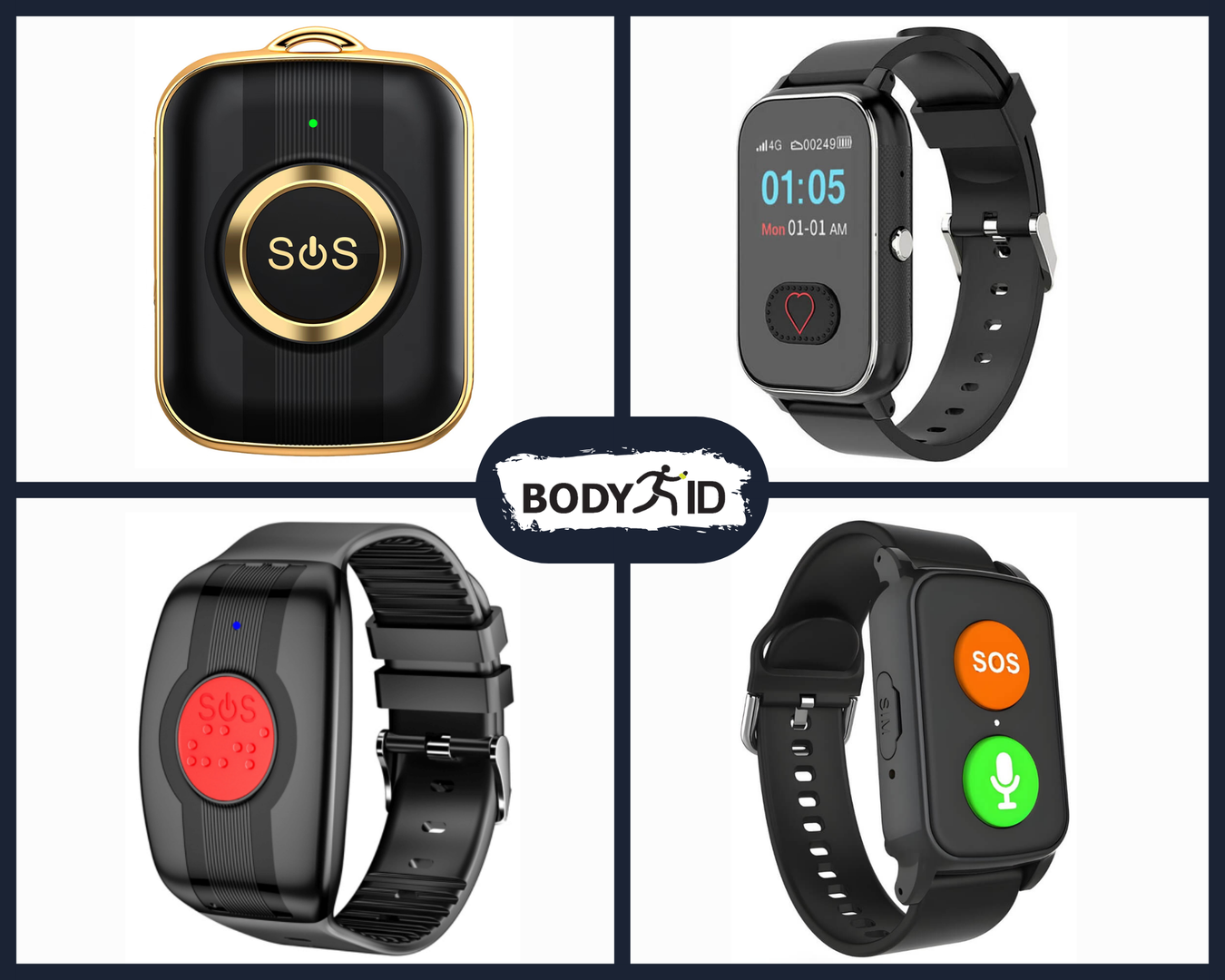
Which device should you choose?
The best choice is the bracelet or watch that your loved one will actually wear. Some seniors prefer a single, simple red button. Others like a device that looks like a smartwatch. And in some cases, a pendant worn around the neck may be the most comfortable option. Also consider how easily they can press the SOS button—if motor skills are an issue, choose the simplest device possible, ideally with a larger SOS button.