

 česky
česky
 Slovensky
 Deutsch
 español
 italiano


Smartwatches at School: Yes or No?
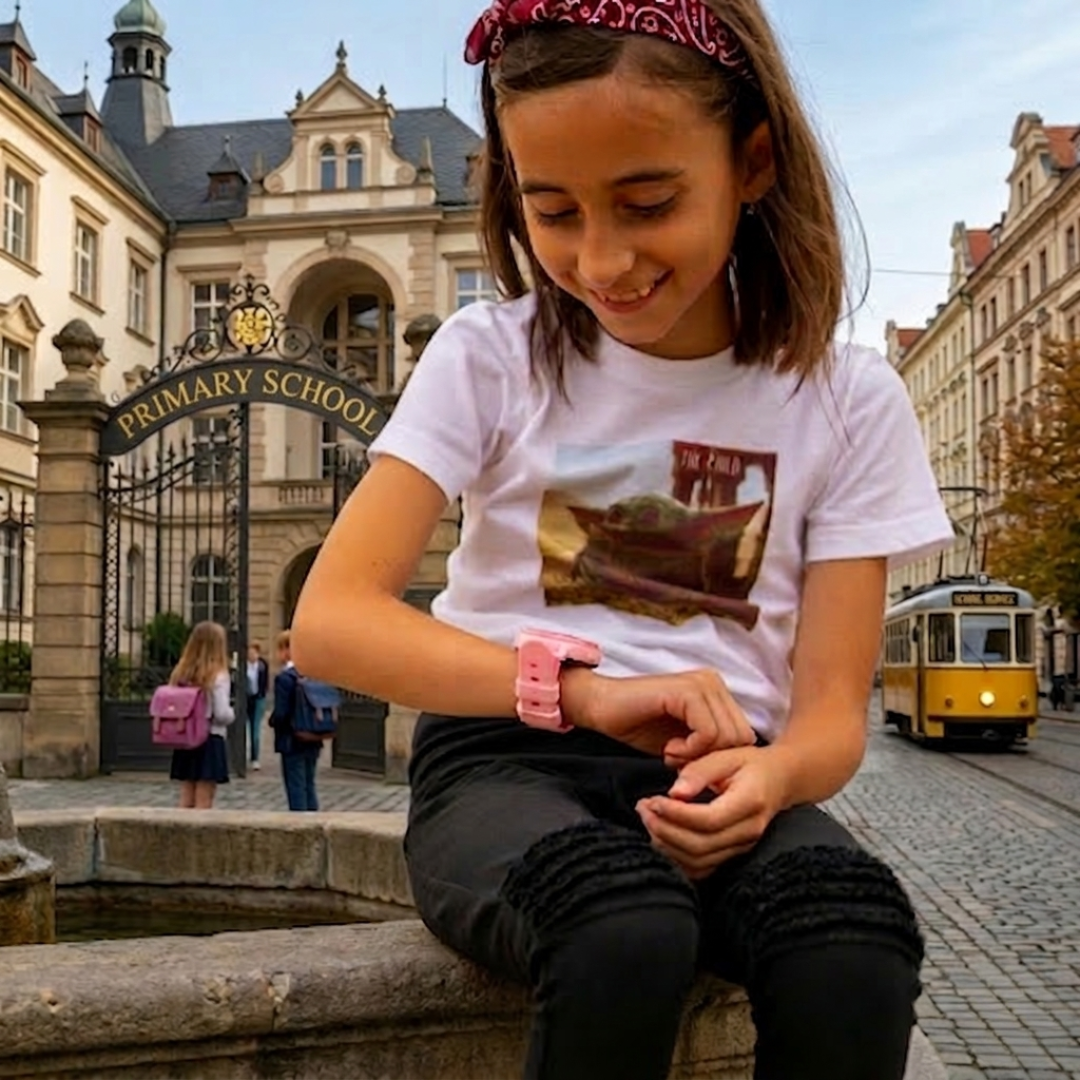
Kids’ smartwatches today aren’t just a “toy”. In practice, they often replace situations where a child would otherwise need to carry a phone. Parents feel more at ease because the child can call home when needed, and because they can keep an eye on the child’s movement on the way to school and back. School is also where the big question comes up most often: Do smartwatches belong there at all? The answer is usually simple: yes—if they’re set up so they don’t disrupt lessons and mainly serve as a safety helper.
In most cases, the rule is: yes, if School Mode is enabled and communication is limited to saved contacts only. We explain everything in more detail below.
Practical: how to set everything up so the watch doesn’t disrupt school
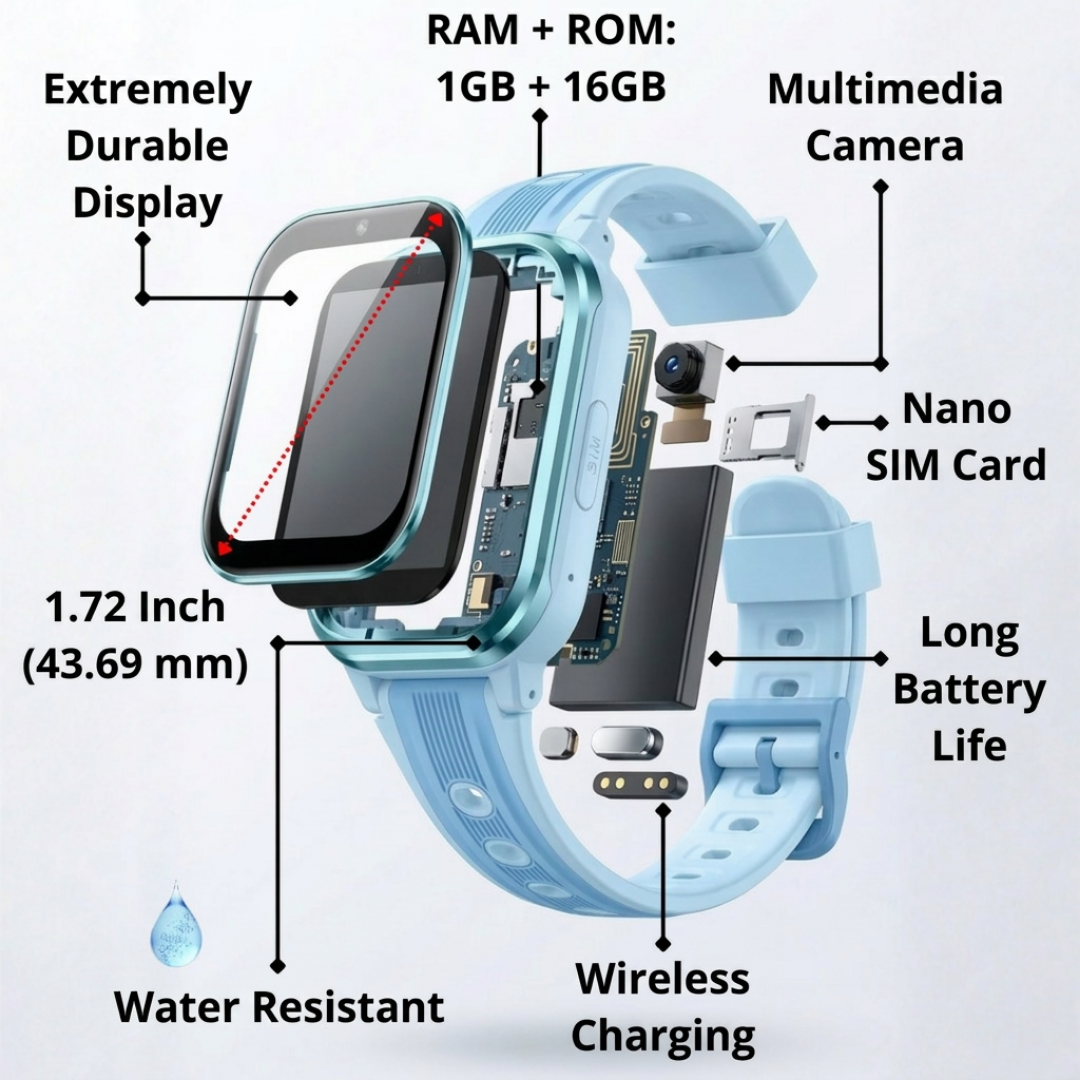
The main reason parents buy a watch for school is straightforward. A child starts walking independently, after-school activities change, and afternoons look different every day. Parents don’t want to text every twenty minutes asking if everything’s OK. It’s enough to check the approximate location in the app and feel confident the child is where they should be. With BodyID watches, everything is managed in the BeeSure GPS app, and location/data connectivity runs via 4G/LTE (with fallback to 3G/2G depending on availability).
At the same time, schools have rules—and teachers have valid concerns: the watch can ring, the child can play with it, or show off to classmates. This is usually solved not by banning the watch, but by proper setup. The key is for the child to clearly understand that, in class, the watch is mainly for safety—not entertainment. And it’s on the parent to do their part too: set the watch up so it doesn’t disturb lessons.
In practice, it works well to set the watch so that only parents (and optionally grandparents) can call, and so the watch doesn’t accept calls from unknown numbers. That way it won’t become a “phone for everyone”, but a controlled communication channel. Another feature many parents find useful is safety zones (geo-fences), for example around the school or home. It’s not about monitoring a child “down to the metre”, but getting a basic alert that they arrived or left.
And then there’s the most important part for school use: School Mode (class mode). It’s designed to prevent the child from using the watch unnecessarily during lessons and to reduce distractions. Typically you set lesson times, and during those periods the watch behaves in a “quiet” way so it doesn’t disturb class—while still remaining usable for what the child wears it for.
A simple, calm explanation also tends to work well with schools and teachers:
“My child wears the watch for safety and for the journey to school. During lessons, School Mode is enabled and communication is limited to parents only.”
In most cases, that’s enough—because the school can see the goal isn’t to bypass rules or give the child entertainment at their desk.
Of course, there are situations where it’s better not to bring the watch to school yet—for example if the child can’t follow rules and the watch would be too tempting in class, or if the school has a strict ban and there’s no room for agreement. In that case, a compromise often works: the child wears the watch to and from school, but keeps it in their bag or pocket in class, following the school’s rules.
Below are the most common parent questions and short answers.
FAQ
It depends on the specific school’s rules. Many schools are fine with them if they don’t disrupt lessons and are set up primarily for safety (School Mode, silent settings, contacts limited to family).
Parents often worry the watch will be distracting. School Mode limits the watch’s use during lessons (so it doesn’t become a toy), but the exact behaviour depends on the model and the settings you choose.
Accuracy depends on the environment and the positioning method used: outdoors, GPS is usually best; indoors, Wi-Fi can help; and as a backup the watch may use LBS (an approximate location based on the mobile network). That’s why the location can sometimes shift or update with a delay.
Yes. A common setup for kids’ watches is to allow communication only with saved/approved contacts (parents, grandparents). This is one of the main reasons parents choose a watch instead of a phone.
Yes. For location to appear in the app and for alerts to work (for example from safety zones), the device must send its location—typically via a SIM card with mobile data.
Yes. It’s a standalone device. The important thing is that it has an active SIM (and a plan that matches the features you use).
In the BeeSure GPS app you can set up to 3 safety zones. When the device leaves a zone, you receive a notification. False exits most often happen due to fluctuating accuracy (for example indoors) or when the device is using the less accurate LBS method.
Yes. The BeeSure GPS app includes a “Historical route” feature that shows the device’s previous movement.
Parents usually look for the simplest, low-cost option with a small data allowance. Usage depends on how often location updates and whether calls and other features are used.
School Mode helps, and so does a clear agreement with the child: the watch is for safety, not for playing during lessons.